// Merchant stack · Mobile app

Today's takings,
in the owner's pocket.

Live revenue, open accounts and the sales split on the owner's phone, refreshed after every sale. It works even when there is no register — a Veslo payment terminal is enough, and Pulse and Core stream the data straight into the app.

// 01 · The dashboard

The number the owner checks at lunch.

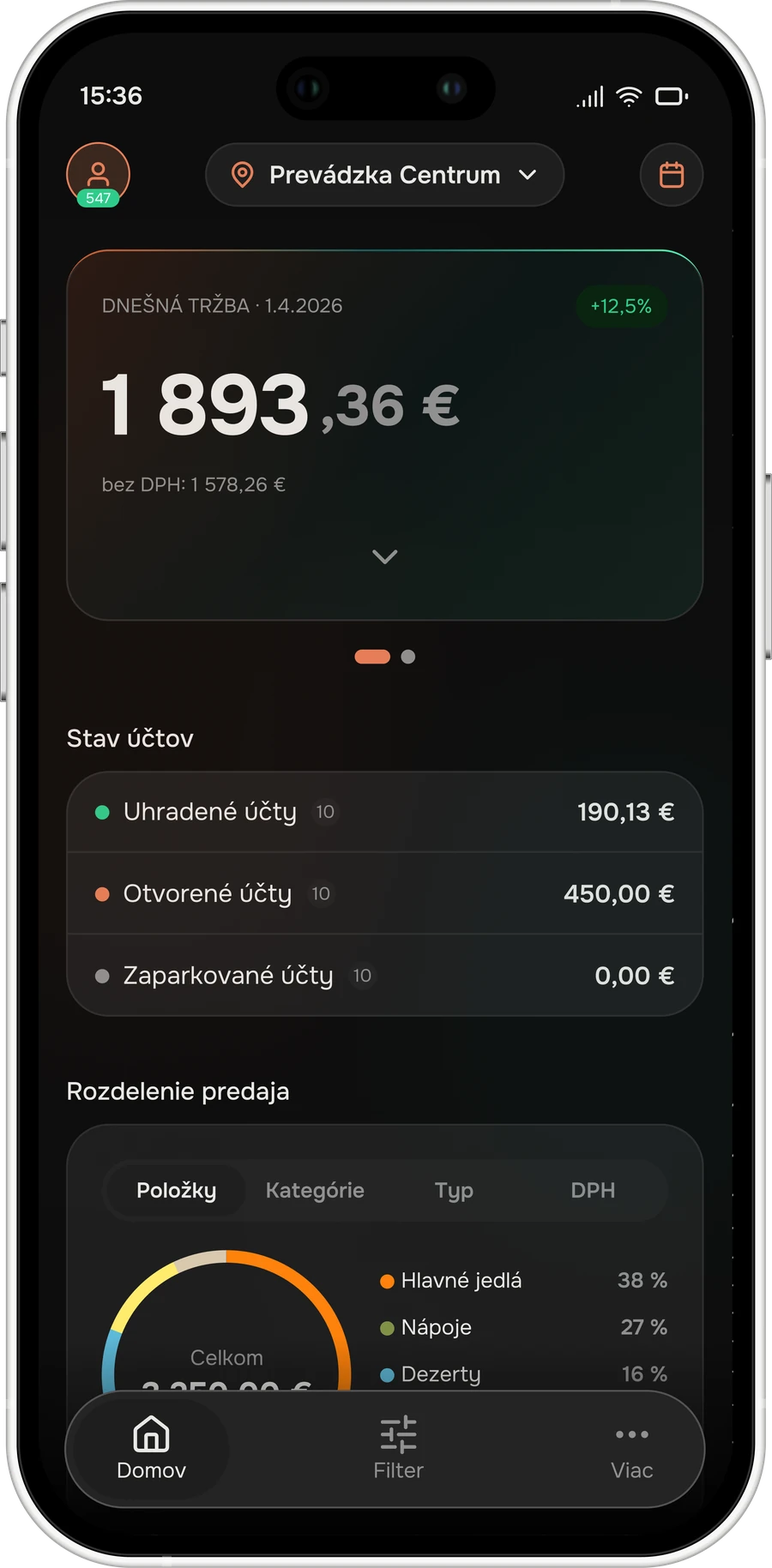
Today's revenue with the comparison to yesterday, the net figure without VAT underneath, the state of every account, and the sales split by item, category, type and VAT. Light or dark, iOS and Android.

01

No register required

A Veslo payment terminal on its own already feeds the app. The merchant sees live data from day one, before any POS is installed.

02

Paid, open, parked

The three numbers that tell an owner whether the shift is under control — without phoning the manager.

03

The same records as the portal

The app is not a separate report. It reads what the register writes and the portal shows.
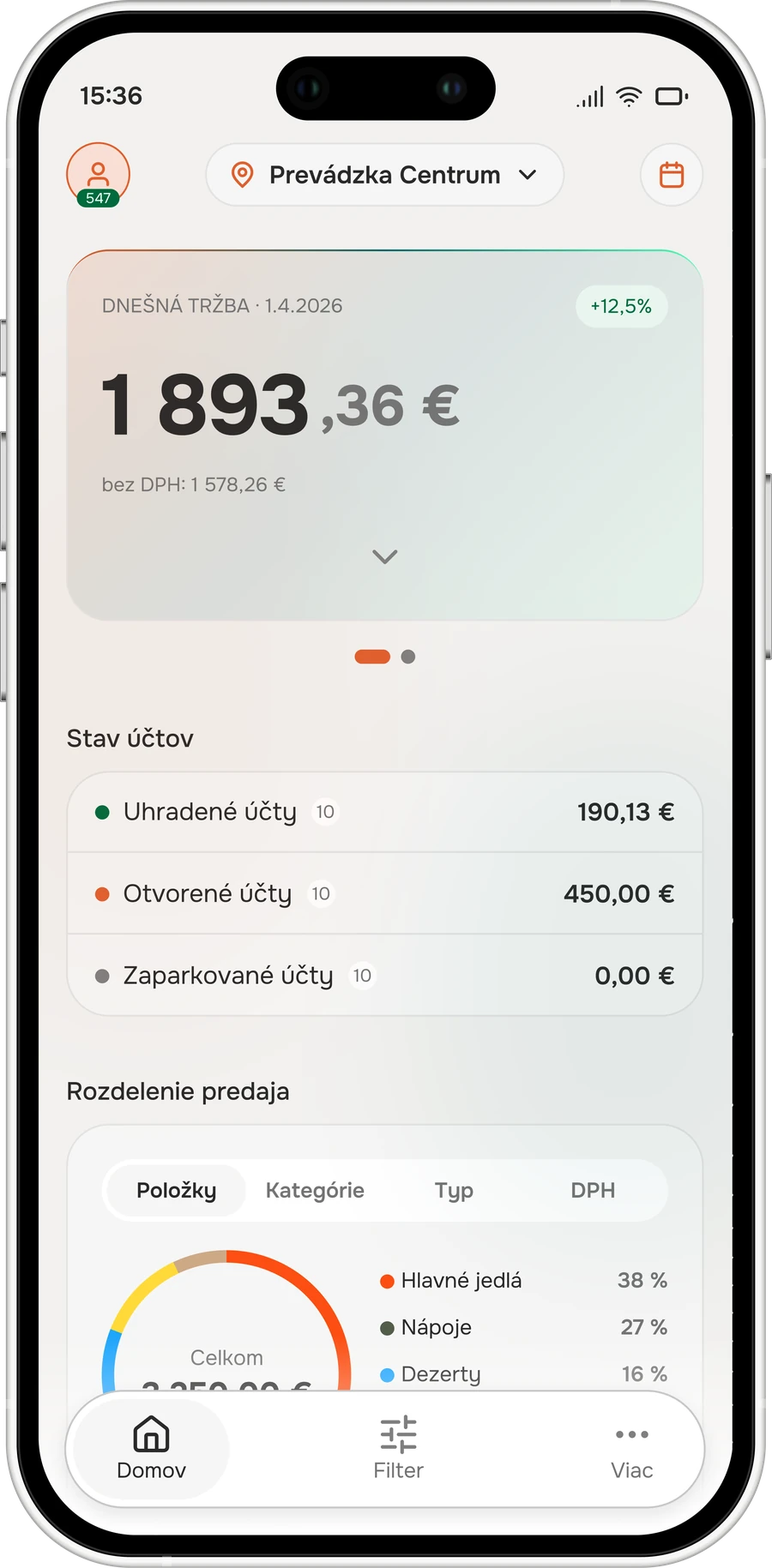
Veslo mobile app dashboard — light mode
Veslo mobile app dashboard — dark mode
// 02 · Every account

Down to the individual bill.

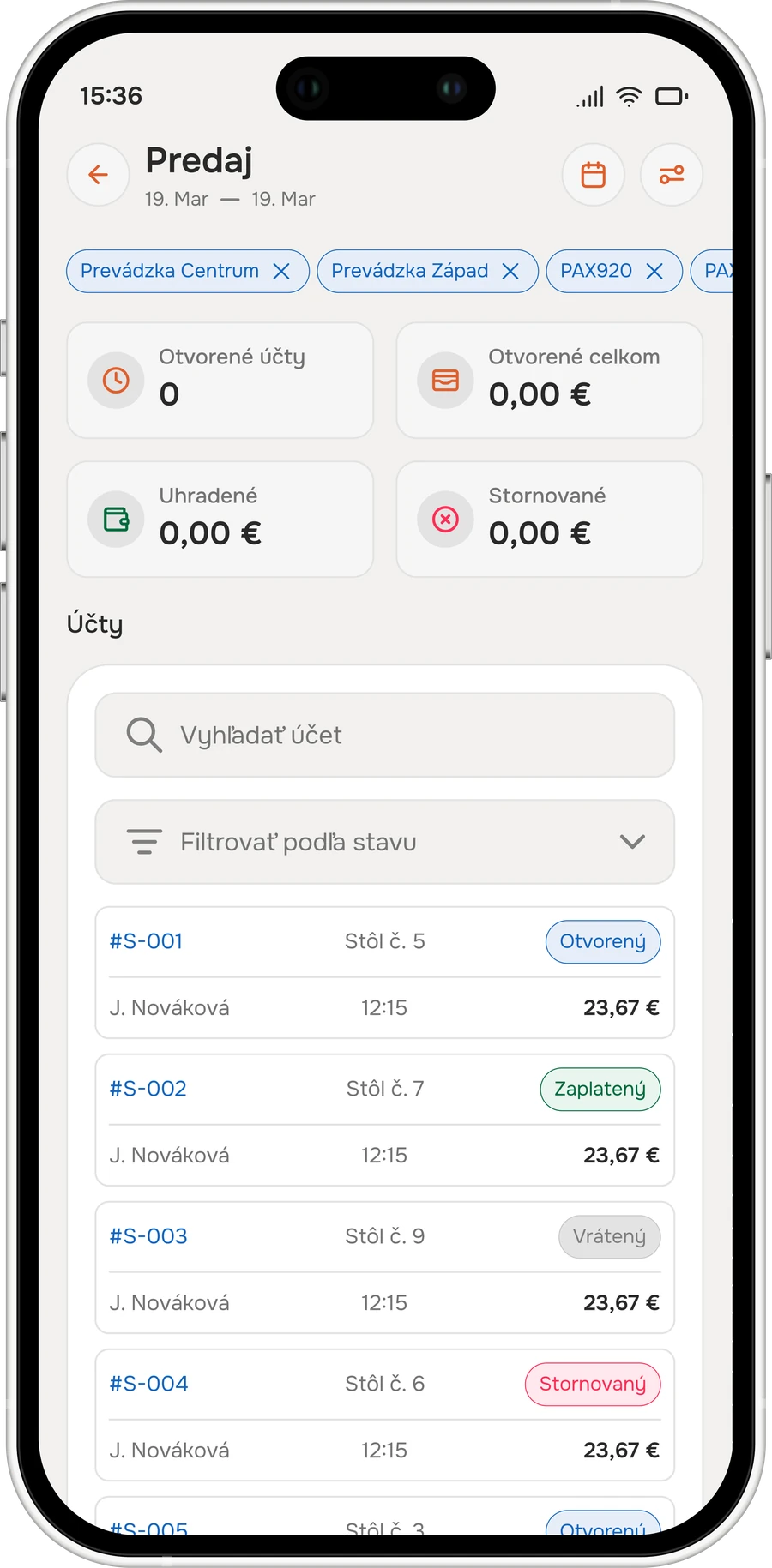
Open, paid, refunded and voided accounts across every location, register and terminal — searchable, filterable by state, and drillable to the single bill with the table, the waiter and the time on it.

Sales list with open and paid accounts
04

Filter the way the shift works

By location, by register, by terminal, by state — several at once, and the totals at the top follow the filter.

05

An owner can audit from the car

Void looks different from refund, and both are one tap from the account that produced them.

// 03 · Widgets

Revenue without opening anything.

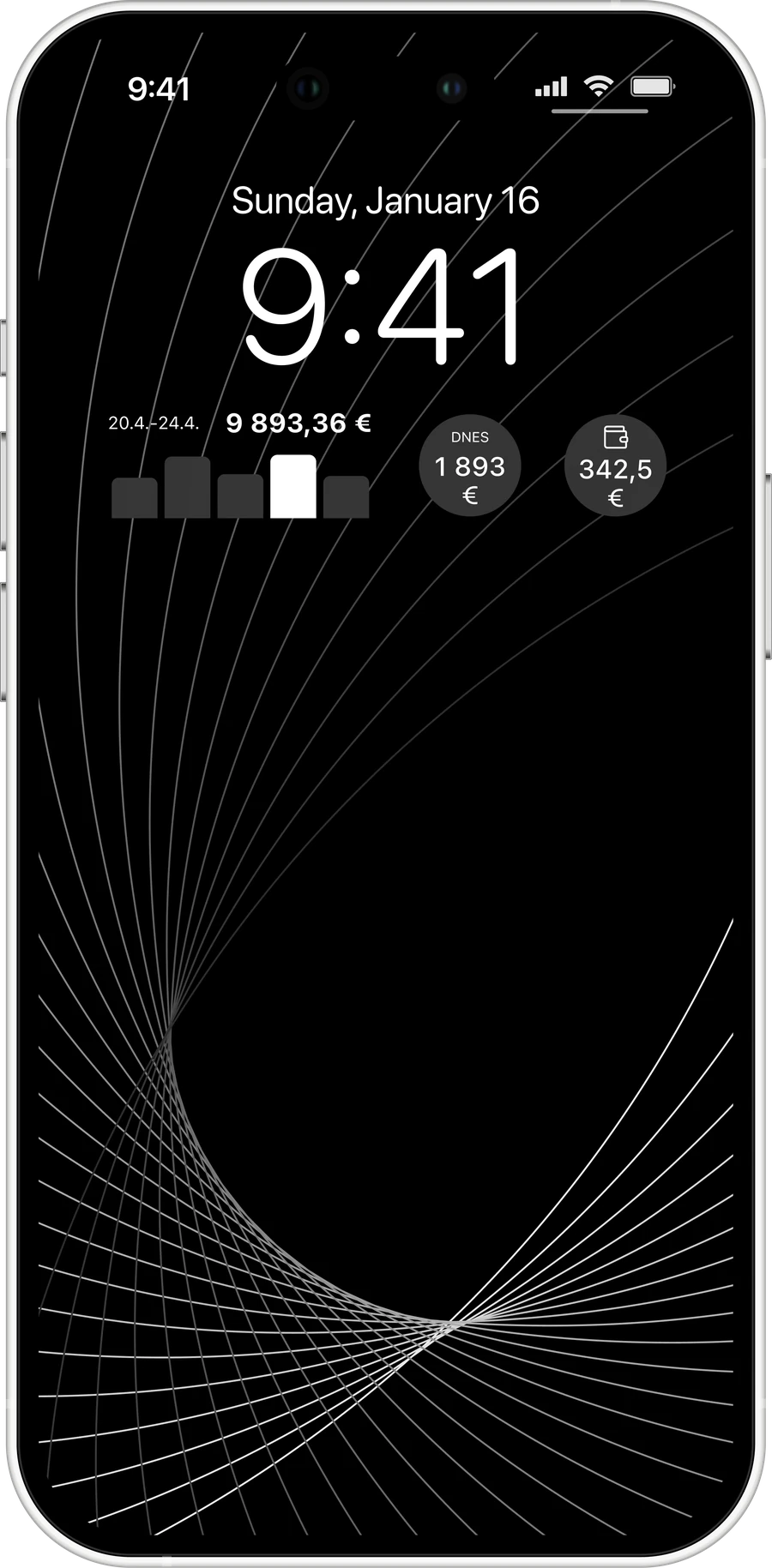
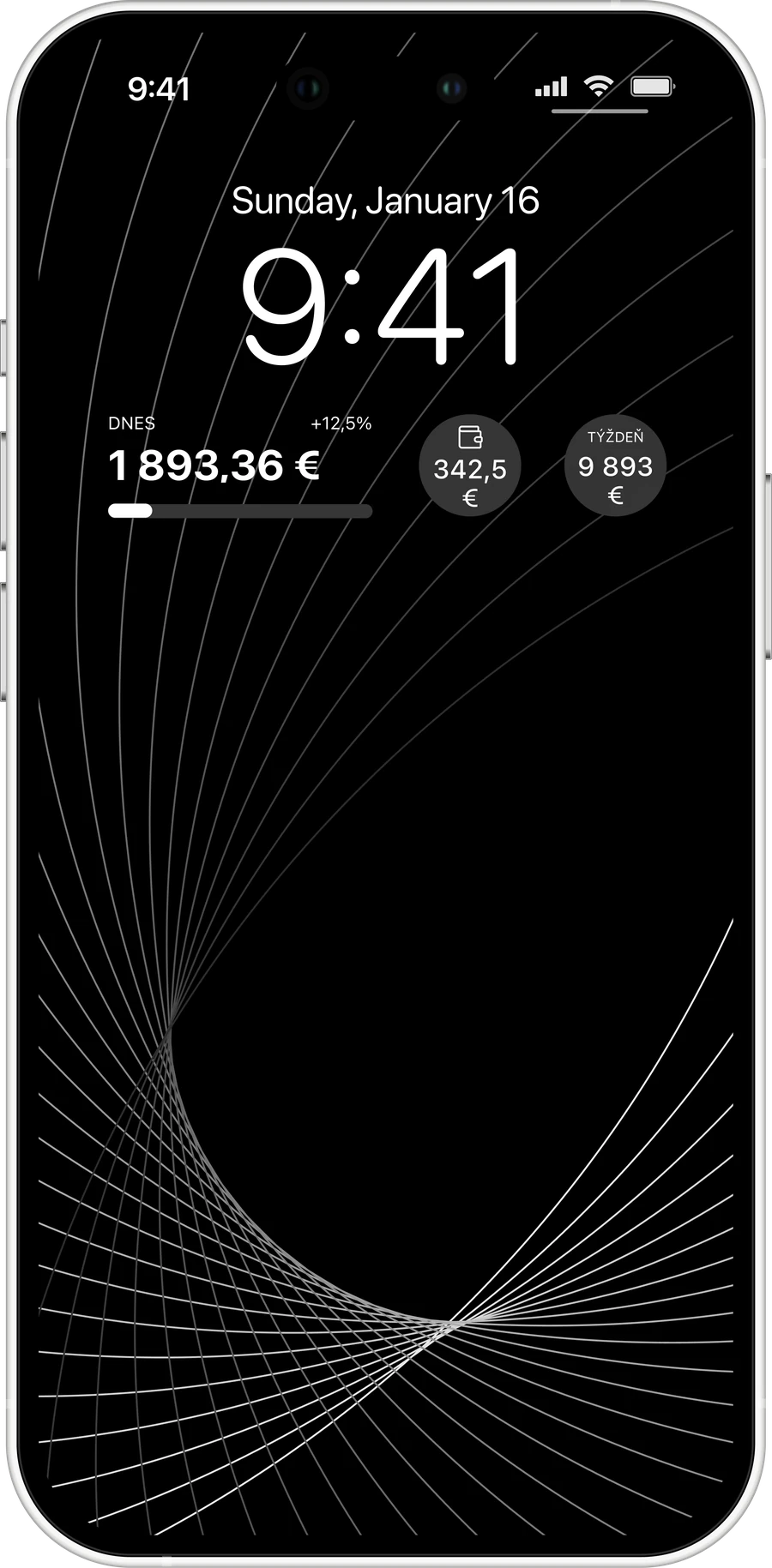
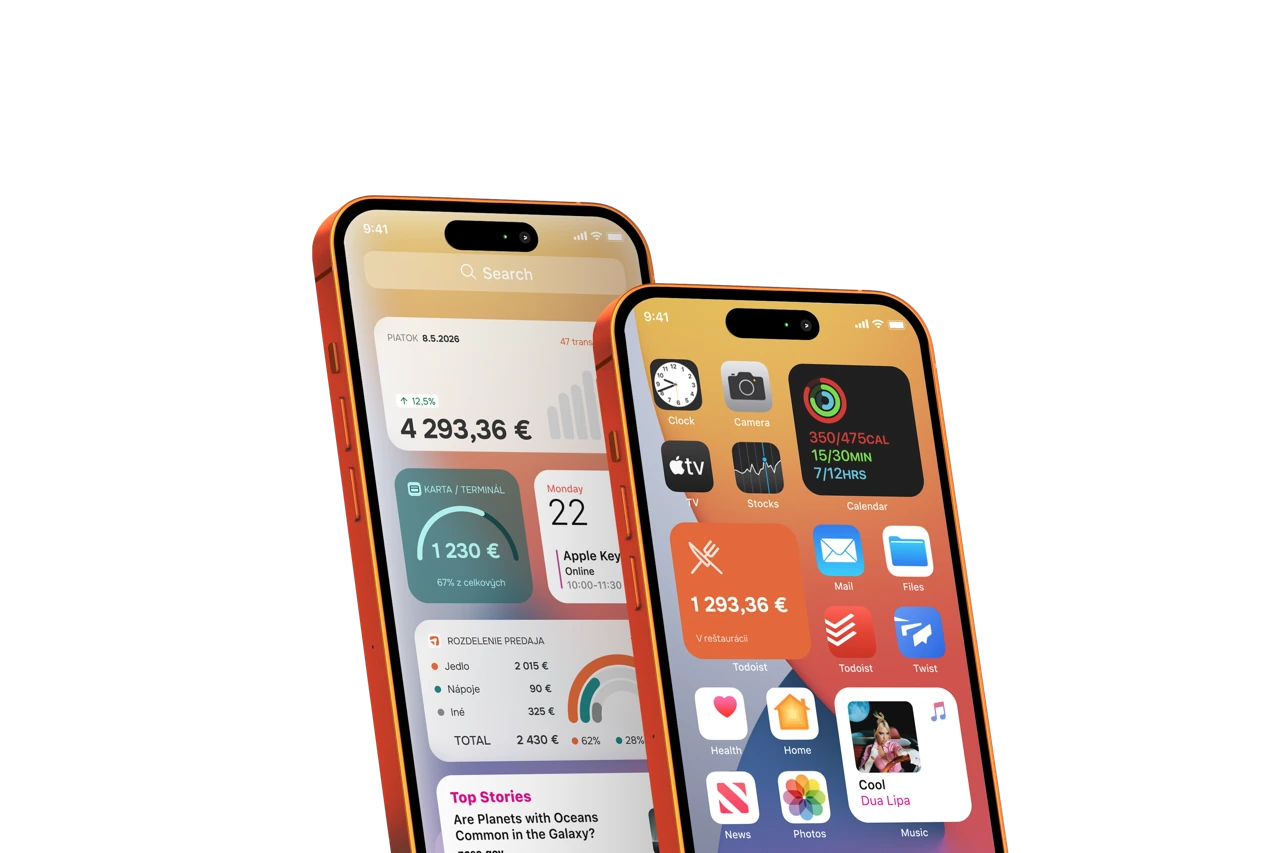
Home-screen and lock-screen widgets put the day's figure where the owner already looks — next to the clock, before the phone is even unlocked.

Lock-screen widgets with the day's revenue
Lock-screen widget with revenue and growth
06

Lock screen

The day's total, the growth against yesterday and the average bill — visible without unlocking the phone.

07

Home screen

A small tile with the headline number, or a larger one with the sales split and the trend curve.

Home-screen widgets with today's revenue
// 04 · A two-way channel

It also talks back.

The app alerts the owner to what matters — and gives you a direct line to every merchant in your portfolio, without an email campaign.

08

Event notifications

Alert the owner the moment the day's takings cross a set level, with a live comparison to the same point yesterday.

09

Direct messaging

Service notices, information and new-product announcements delivered in-app — to one merchant or the whole base.

10

Monthly performance report

The portal compiles a monthly summary for each merchant and pushes it into the app.

11

Your channel, not a mailing list

Merchants who never open an email still open the app that shows them their money.

A phone the owner already checks. Now it shows your revenue.

See the hardware it runs on →